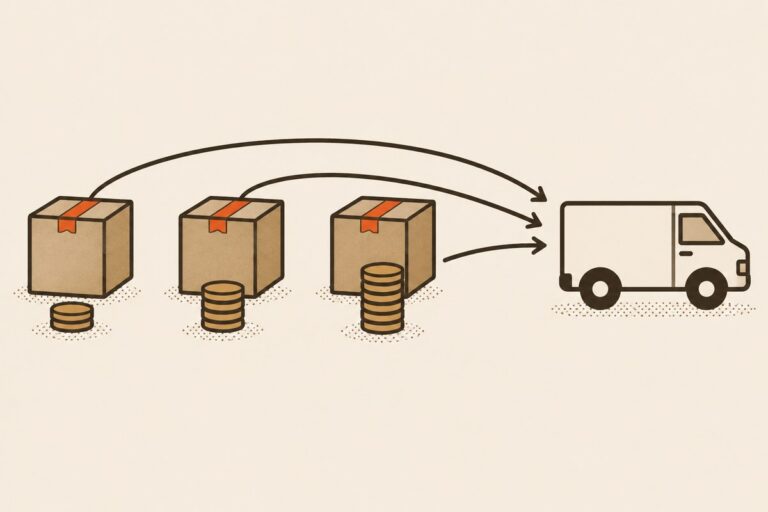
Direct answer: To buy JD.com electronics and ship them abroad, verify the exact seller, model and regional variant, check plug, voltage and battery requirements, then send the item to a China warehouse for inspection before export. Freight is quoted from the packed weight and dimensions rather than the product page, and the service fee is 6–15% of order value.
Before requesting a quote, send the JD.com product URL, selected model or option, quantity, destination country and postal code, plus any battery or compatibility notes. CNCartGo can check the listing, warehouse route and international shipping options for the USA, Canada or Australia. Use Send the JD.com link for item and shipping checks to continue with the Quote form.
JD.com purchase-to-international-shipping workflow: Verify the exact seller, model and option; confirm plug, voltage, network and battery requirements; choose direct payment or a JD agent; receive and inspect at the China warehouse; then use packed weight and dimensions to check a shipping route. Send the JD.com link for item and shipping checks with the quantity, destination country and compatibility notes.
Quick answer: the JD.com purchase-to-shipping workflow
- Verify the exact listing, seller, model, option, and destination requirements.
- Choose a workable direct-payment or China-side agent path.
- Receive the parcel at the assigned China warehouse.
- Review visible item evidence, battery details, and export restrictions.
- Pack, weigh, measure, and request the final international shipping quote.
Step 1: submit the exact JD link and verify seller, model, and region
Save the listing URL and selected option before payment. Record the model number, color, storage, bundle, quantity, seller, plug, voltage, and any region-specific specification. Use the separate JD.com electronics category checklist when the first question is which type of product is worth reviewing.
Step 2: check plug, voltage, bands, battery, and warranty
Match the exact regional model with the destination network, voltage, plug, keyboard, language, software, and accessory requirements. Read the seller warranty, invoice, return, and regional-service terms for that listing. Record battery information early because it can change the route.
Use the battery shipping checks and restricted-item checklist when the product is not ordinary general cargo.
Step 3: choose direct payment or a JD agent
Direct checkout availability can vary by account, seller, item, destination, and current platform options. If direct payment or seller communication is not workable, the CNCartGo JD Agent workflow can review the request and arrange a China-side purchase after the quote is accepted.
Step 4: receive and inspect the item at a China warehouse
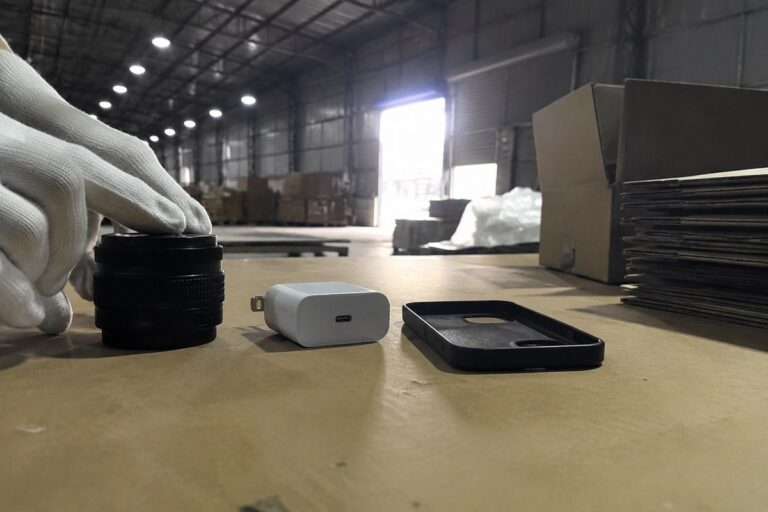
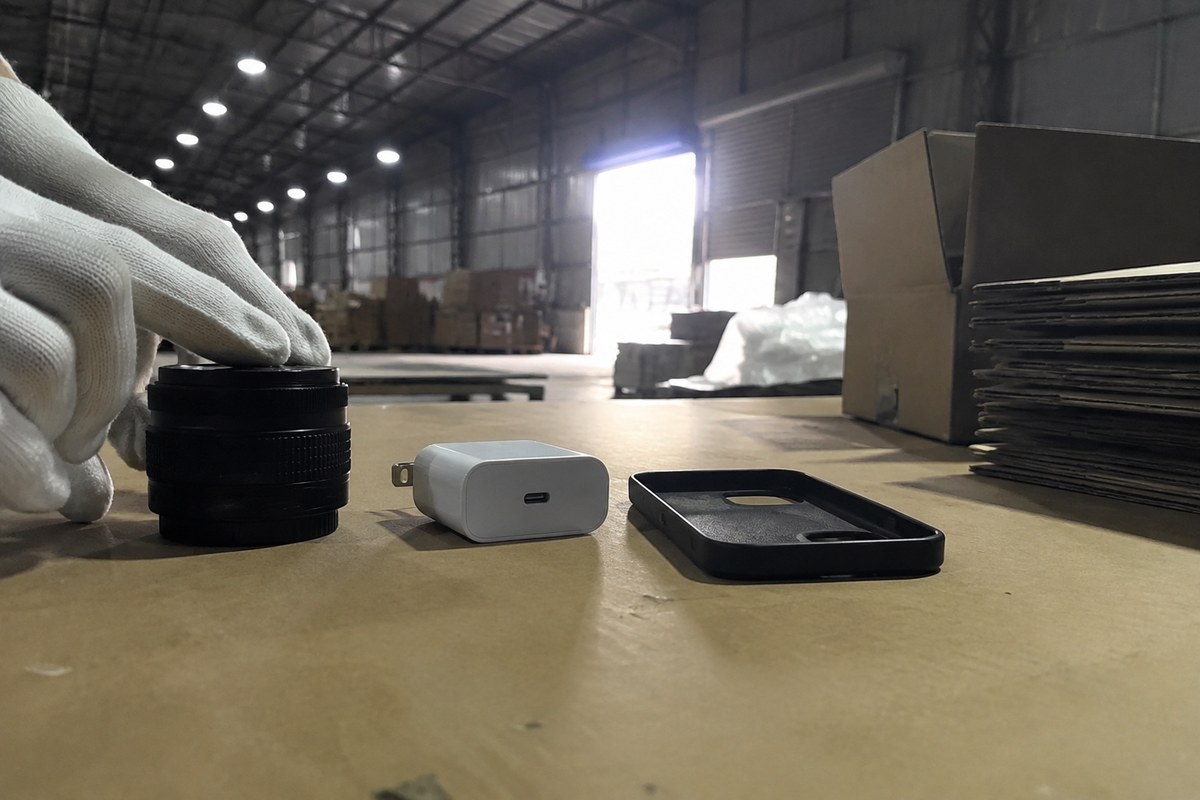
Use the complete receiving address and parcel reference supplied for the order. The agreed service can record the outer package, visible model label, selected option, quantity, accessories, and condition. Request a return or additional evidence before export when the visible item does not match the order.
Photo inspection is limited to visible evidence and the agreed service level. It is not laboratory testing, a repair diagnosis, or a performance guarantee. Multiple compatible parcels can be reviewed under the China warehouse consolidation workflow.
Step 5: review battery and restricted-item routes
Route availability depends on the exact item, battery, packaging, destination, carrier, and current restrictions. An unavailable automatic route is a reason for manual review, not proof that the item is impossible or guaranteed to ship.
Step 6: weigh, measure, and request the final shipping quote
After packing, record the actual weight and outer dimensions. Compare actual and volumetric weight in the CNCartGo shipping calculator, then review the route, tracking, insurance option, customs treatment, and destination charges shown for the request.
Step 7: customs, duties, insurance, and delivery evidence
Customs duties, taxes, permits, product compliance, and delivery requirements are destination-specific. Confirm what the quote includes, keep the order and warehouse evidence, and use the carrier tracking or support path for the selected service.
Last verified: 2026-07-13. JD.com checkout options, seller terms, battery restrictions, carrier routes, customs requirements, and destination charges can change. Confirm the exact listing and the item-specific route before purchase.
Send the JD.com link for item and shipping checks. Do not send passwords, payment codes, full card numbers, or unredacted identity documents.
Frequently asked questions
Does JD.com ship every electronics item directly overseas?
No. Direct availability depends on the listing, seller, item, destination, account, and current platform options. A China warehouse or JD agent may be needed for products without a workable direct path.
What should a warehouse inspect before shipping electronics?
Confirm the visible model, selected option, quantity, accessories, package condition, and labels required for the agreed review. A photo check is not laboratory testing or a performance guarantee.
Can a phone or laptop battery use every shipping route?
No. Battery details, packaging, carrier restrictions, destination rules, and the rest of the parcel determine which routes can be considered.
When is the final international shipping cost known?
The final quote is prepared after the parcel is received, packed, weighed, measured, classified, and matched to routes available for the destination.
Last reviewed: September 5, 2026. Battery rules, carrier acceptance and warehouse procedures are revised; confirm the requirements before shipping.
Related guides
Warehouse handling comes after the purchase, and that sequence is covered below.
- How to Buy Baby Products From China Without Missing the Safety, Labeling, and Shipping Details
- One China Warehouse Address for Taobao, 1688, JD & Xianyu
- Is a China Buying Agent Worth It? A Real Cost Comparison From 6 Months of Orders
- How to Shop on Taobao, JD.com, and 1688 Internationally
- How to Buy Beauty and Skincare Products From China: A Complete Category Guide for International Shoppers