What I Discovered Buying Electronics from JD.com as a First-Time International Buyer
 Nicholas Chen
By Nicholas | CNCartGo Editorial Team
I had been buying small items from Taobao for about a year when I decided to try JD.com for something bigger: a mid-range smartphone. Everyone told me JD.com was the place for electronics in China - faster shipping, stricter quality control, and better after-sales support than the other platforms. But none of the guides I found explained what actually happens when you buy electronics from JD.com as an international buyer who needs parcel forwarding.
This is what I learned from start to finish.

Why I Chose JD.com for Electronics
Before this order, I had used Taobao for clothing and household items, and 1688 for bulk sourcing samples. Neither felt right for a high-value electronics purchase. Taobao sellers on electronics tend to be third-party resellers with inconsistent return policies. 1688 is wholesale - you deal with manufacturers who expect volume orders and often have limited consumer protection.
JD.com operates differently. The platform runs its own logistics network in China, which means most electronics are stored in JD fulfilment centres and shipped directly from JD warehouses rather than from individual sellers. For a smartphone worth around ¥2,500 RMB, this gave me more confidence that the product was genuine and would arrive in manufacturer-sealed condition.
The key difference I noticed was in the product listing itself. JD.com listings for electronics clearly showed whether the item was "自营" (JD Self-Operated) or sold by a third party. I made sure to choose a self-operated listing. These come with JD's own quality guarantee and often include free returns within China if there is a manufacturing defect.
Registration and Address Setup
Creating a JD.com account as a non-Chinese user was straightforward but required a few steps I did not anticipate. JD.com supports international phone numbers for registration, so I used my European mobile number without issues. However, the platform requires a Chinese ID number for certain verification steps. Since I do not have one, I used my passport number instead, which was accepted for the standard account level.
The address field was the tricky part. JD.com expects a Chinese address with a specific format including province, city, district, and detailed street address. I used the warehouse address provided by my parcel forwarding service, which already had this information formatted correctly. The warehouse was in Guangzhou, so I selected Guangdong Province, Guangzhou City, and the correct district. The system accepted it on the first try.
One thing JD.com does better than Taobao: it validates the phone number at checkout by sending a verification code. This meant my international number had to work for SMS, which it did, but if you are using a temporary Chinese SIM card, make sure it can still receive texts when you need to confirm the order.
Payment Without Chinese Banking
This was the step I worried about most, and it turned out to be simpler than expected. JD.com accepts Alipay, and Alipay now supports international credit cards for certain transactions. I linked my Visa card through Alipay and completed the payment in RMB. The conversion rate was applied at checkout, and my bank charged a standard foreign transaction fee of about 1.5%.
There is another option: some JD.com listings allow direct payment with Visa or Mastercard through an international payment gateway, but this was not available for the seller I chose. The Alipay route worked smoothly, though I recommend checking with your bank beforehand to avoid the transaction being flagged as suspicious.
Delivery to the Warehouse
JD.com shipped the smartphone within four hours of placing the order. This is normal for JD fulfilment - their same-day or next-day domestic delivery is one of the main reasons Chinese buyers choose the platform. The package arrived at my forwarding warehouse the following morning, less than 24 hours after purchase.
The package came in a plain JD Logistics box with no external branding that would attract attention during transit. Inside, the smartphone box was wrapped in foam padding and placed inside a fitted cardboard insert. There were no dents or damage to the outer box, which mattered because I planned to check the serial number against the manufacturer's database before shipping internationally.
Warehouse Inspection: What They Checked
When the package arrived at the consolidation warehouse, the team followed their standard arrival processing procedure. For a high-value item like a smartphone, this meant:
- Outer box inspection. They checked for crush damage, water exposure, or tampering.
- Serial number match. I had submitted a note asking them to verify that the IMEI on the box matched the one inside. They opened the manufacturer seal (which I authorised), checked the number, and photographed the result.
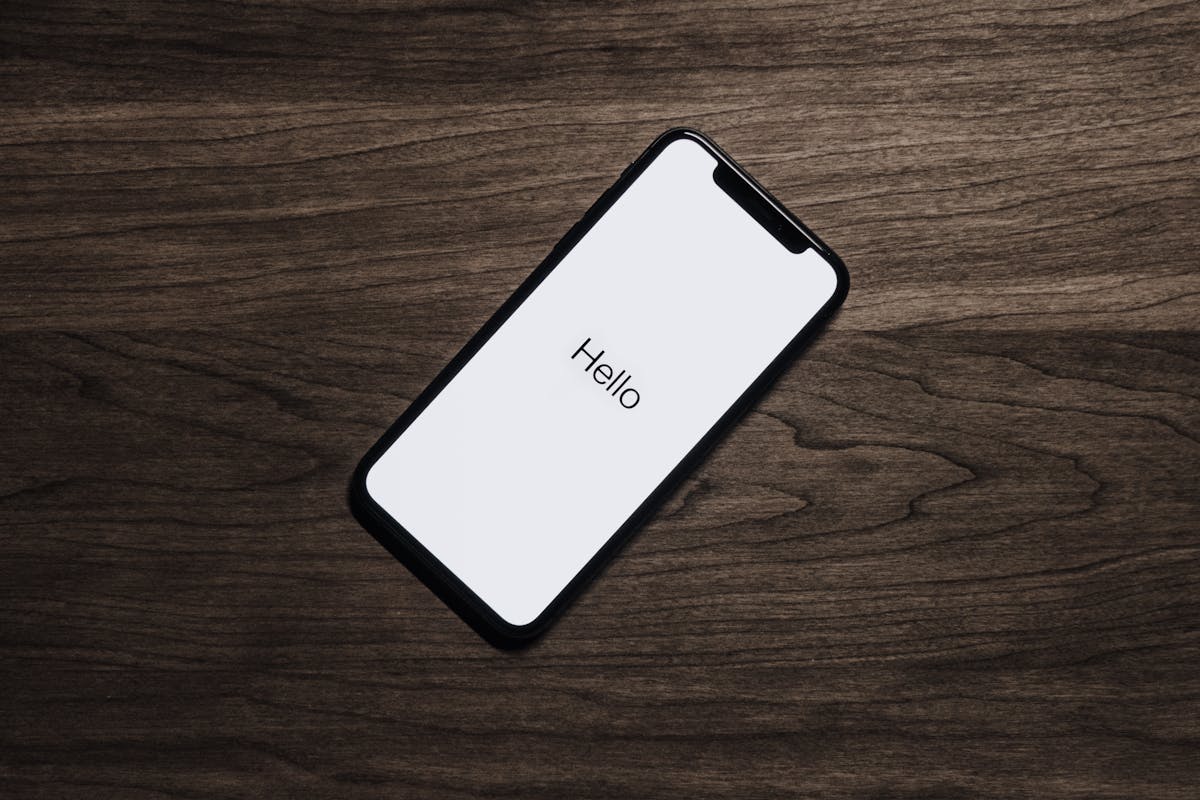
- Power-on test. At my request, they powered on the device to confirm it booted to the setup screen. They did not configure it or connect it to the internet, just confirmed it turned on.
- Accessory check. They verified that the charger, cable, and documentation were all present inside the box.
This level of inspection is not automatic for every item. I had to specifically request it through the forwarding service's notes, and it added about one working day to the processing time. For a low-cost item, I would not bother. For a ¥2,500 smartphone, the peace of mind was worth the delay.
Repackaging and Consolidation
I had another small order from Taobao arriving at the same warehouse around the same time, so I chose to consolidate both shipments into one parcel. The consolidation process worked like this:
- The warehouse removed the original JD.com box and repacked the smartphone box into a smaller, custom-fitted carton.
- They added a layer of foam wrap around the phone box for shock protection.
- The smaller Taobao item went into the same carton with additional padding between them.
- The total volume dropped from two separate parcels (about 0.09 CBM combined) to a single carton of 0.04 CBM.
Removing the original outer box saved weight and volume, but it meant I lost JD.com's branded packaging. If you plan to resell the item or need the original box for warranty claims, ask the warehouse to keep it. For personal use, the weight savings are worth more than the packaging.
Shipping Line Selection
A smartphone with a lithium-ion battery inside it creates a complication that I had not fully considered. Many shipping lines restrict devices with built-in batteries to sea freight only, because air regulations classify them as dangerous goods (UN3481, lithium-ion batteries packed with equipment).
My forwarding service offered three options:
- Express air (DHL/FedEx): Fastest at 5–8 days, but the carrier surcharge for lithium batteries added ¥120 RMB to the shipping cost. Total shipping: approximately ¥380 RMB.
- Sea-air hybrid: 12–16 days, no battery surcharge. Total: approximately ¥200 RMB.
- Standard sea freight: 25–35 days, cheapest option at approximately ¥130 RMB.
I chose the sea-air hybrid. It was not much slower than express for my destination in Europe, and the cost was nearly half. If speed matters, express air is fine as long as you confirm the carrier accepts lithium batteries in your specific device configuration.
One more thing: the warehouse needed to declare the phone on the customs form. The declared value was the actual purchase price. I made sure the customs declaration was accurate because undervaluing electronics can lead to seizure or delays in some countries that have strict anti-counterfeit enforcement.
Delivery Timeline
Here is the complete timeline from order to my door:
- Day 1: Ordered on JD.com at 10:00 AM (China time). Shipped at 2:00 PM.
- Day 2: Arrived at forwarding warehouse at 9:00 AM.
- Day 2–3: Warehouse inspection and repackaging.
- Day 4: Departed Guangzhou via sea-air route.
- Day 15: Arrived at my local customs office.
- Day 16: Cleared customs (no duties owed under the de minimis threshold).
- Day 17: Delivered to my door.
Total: 17 days from order placement to delivery. For comparison, buying the same phone from a local retailer would have been about ¥700–900 RMB more expensive. The savings were significant enough that I would do it again, but the additional waiting time and coordination effort are real trade-offs that international buyers should plan for.
First Impressions After Unboxing
When I finally opened the consolidated parcel at home, the phone box was in the same condition as when the warehouse photographed it. The foam padding had done its job - there was no movement inside the carton, and the phone box corners were still crisp. I powered on the device, completed the initial Android setup, and checked the IMEI against the manufacturer warranty page. The serial number matched the box, and the warranty status showed the full manufacturer coverage starting from my purchase date.
The device itself was region-locked to the Chinese firmware version, which is something international buyers should know. It came with the Chinese ROM pre-installed. This meant some Google services were not available out of the box, and a few pre-installed apps were in Chinese. I spent about 30 minutes installing the Google Play framework and removing the Chinese app store. This is straightforward if you are comfortable with Android settings, but it is worth knowing before you order. If you want a phone with global firmware, check whether the specific model has an international ROM version available.
The charger in the box was a Chinese plug (two flat pins, 220V). I used a universal travel adapter, and it worked fine. If your country uses different voltage, check that the charger supports 110–240V input - most modern phone chargers do, but it is worth verifying before plugging it in.
What I Would Do Differently
Several things went well, but I made a few mistakes that I would correct on a second order:
- Pre-authorise the inspection. I had to reply to a message from the warehouse to confirm I wanted the phone opened and tested. This caused a half-day delay. Next time, I will leave clear instructions in the order notes before the parcel arrives.
- Check the carrier battery policy myself. I relied on the forwarding service to tell me which lines accept lithium batteries. It would have been faster to check the carrier lists before choosing the shipping line.
- Buy a tempered glass screen protector at the same time. JD.com sells screen protectors for most phone models for about ¥15–30 RMB. Adding one to the order would have cost almost nothing and given the screen an extra layer of protection during transit.
- Declare the correct HS code. The warehouse asked me for the HS code for the smartphone. I had to look it up while the package was waiting. Having this ready beforehand would have saved a day.
Is JD.com Worth It for International Electronics Buyers?
For electronics specifically, yes, with conditions. JD.com offers genuine products, fast domestic shipping, and better consumer protection than most Chinese platforms. The price difference is real - I saved roughly 25–30% compared to retail in my country even after shipping and fees.
But it only works if you have three things in place: a forwarding warehouse address that accepts electronics, a payment method that works with Alipay international, and the patience to wait 2–3 weeks for delivery. If all three are covered, JD.com is one of the more reliable ways to buy electronics from China as an international buyer.
The most important lesson from this experience was the value of the warehouse address accuracy. Every step after the purchase - inspection, repackaging, shipping - depended on the address and contact details being correct at checkout. One wrong character in the district name would have delayed everything.