Short answer
Reduce Weidian wrong-item and missing-parcel risk by recording the order before payment and checking it again when goods reach the warehouse. Save the listing, confirm the exact variant and quantity with the seller, and match each domestic tracking number to your order. Review the available warehouse records and resolve discrepancies before international dispatch; storage time does not extend seller return deadlines.
What makes Weidian orders different
A Weidian order may involve a seller with its own stock, dispatch and after-sales arrangements. Check the specific listing and shop terms rather than assuming that every seller follows the same process. Save the details you rely on, because the listing or available variants may change after you order.
For an overseas buyer, keeping the seller confirmation, order reference and domestic tracking together makes discrepancies easier to investigate before export.
Before you pay: build the listing record
Build a record of the product and terms before paying:
- Screenshot the product page: title, price, the selected size or colour, and the stock count.
- Save the product URL together with dated screenshots and the order confirmation, so you have a record if the listing changes.
- Note the seller's shop name and, if the page shows one, the shop's stated delivery time.
- Write the exact variant you want in the order notes in Chinese and English. "Blue, size M, with the second strap" is a specification; a colour swatch on a page is not.
- Ask whether the item is in stock or made to order, and confirm the expected dispatch date for your quantity.
What to confirm with the seller
Ask the seller to confirm the exact variant, quantity and number of parcels expected. Request each domestic tracking number when available, and check that the recipient details and account reference match your current warehouse instructions. Keep the reply with the order record.
If a reply is vague, ask for the missing details, such as the number of pieces and the colour being packed. Written answers provide a reference for a later comparison, but they do not replace checking the available warehouse records or an agreed inspection.
Booking the warehouse address correctly
Copy the current warehouse address and recipient details displayed in your CNCartGo account, including the recipient name, telephone number and any required account or order reference. Ask the seller to confirm the complete delivery details. Check that the saved address and shipping label match those instructions before dispatch.
When buying from several sellers or platforms, keep each order and tracking number identifiable. Ask whether the goods are eligible for the intended warehouse and international route before assuming that they can be consolidated together.
When the parcel arrives: what to check
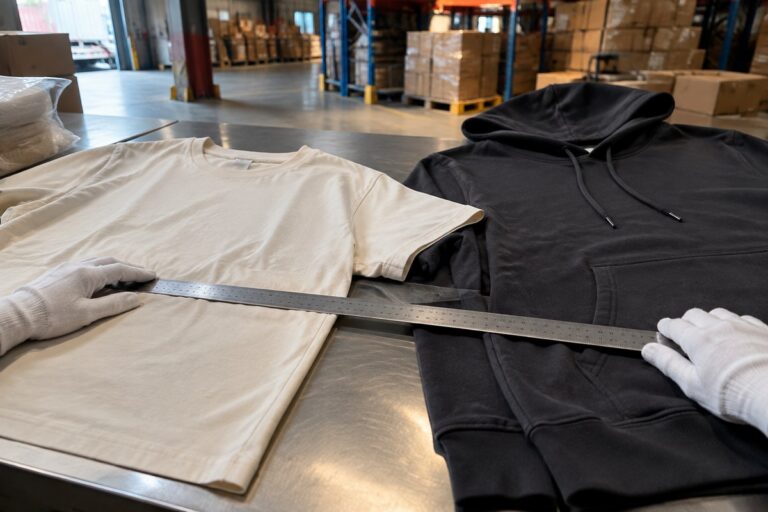
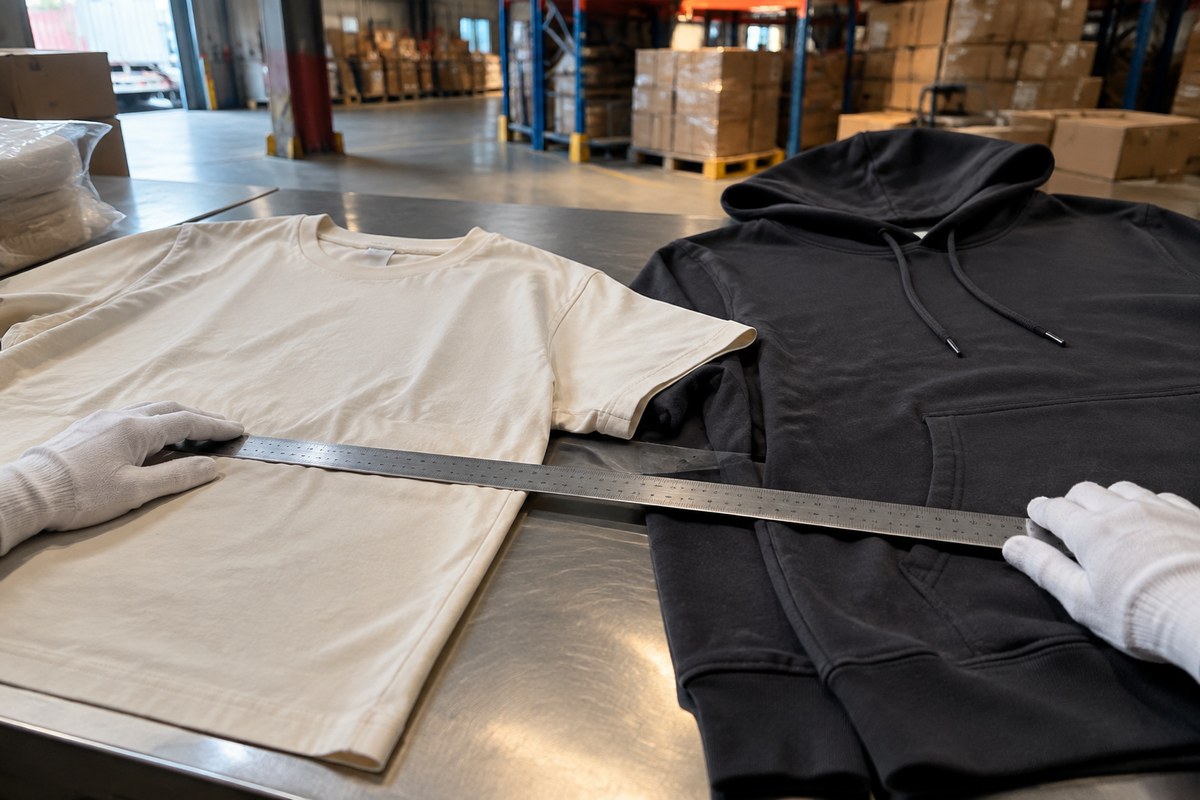
Review the parcel status, available photos and item records when the goods are received. If you need a count, measurement, additional photo or other inspection, confirm the scope, availability and any charge before relying on it. Three useful comparisons are:
- Item count. Compare the recorded quantity with the order and any agreed counting service. If accessories are unclear or missing, keep the photos and seller confirmation and raise the discrepancy.
- Variant match. Compare visible labels, size, colour and listed accessories with the saved order. Ask about measurements where relevant; a photo alone may not establish fit, material or authenticity.
- Condition. Review visible damage or other differences shown in the photos. Agree any functional, material or specialist testing separately; routine appearance checks do not establish those properties. Confirm return eligibility and costs before arranging a return.
If a photo is unclear, request clarification or ask about additional photos before approving export. Confirm any extra service charge. Raise discrepancies promptly and check the applicable return terms; a warehouse photo does not guarantee that a seller will accept a claim.
Missing parcels: following the domestic trail
If one parcel from a multi-parcel order is missing, check the domestic tracking and ask the seller for all dispatch dates and tracking numbers. Match each number with the parcel records in your account. If tracking says delivered but receipt is still pending, give support the order reference, tracking number and seller confirmation so the status can be checked. Carrier delivery status and warehouse receipt are separate records.
Consolidation and route choice for Weidian goods
Compare consolidated and separate-parcel quotes using the packed weight, dimensions and eligible routes. Consolidation may change chargeable weight and handling needs; it does not guarantee a lower total cost. Storage is free for 100 days from the date the order is marked "Received." From day 101 through day 200, storage costs USD 0.10 per parcel per day. The maximum storage period is 200 days; after 200 days, the parcel is treated as automatically destroyed and is unavailable for recovery or shipment. Check the Received date and request shipment in time. A shipping request is not a dispatch confirmation, and storage does not extend return or exchange eligibility.
Choose an eligible international route using the current quote, destination, parcel details and delivery estimate. Confirm restrictions before purchasing goods containing batteries, liquids or other restricted contents; a faster service does not by itself make an item eligible. Delivery estimates can change, so ask about the available options if you have a deadline.
Where the money goes
For CNCartGo buying-agent orders, the service fee is 6–15% of the product order value. The first checkout covers the products, seller-to-warehouse delivery charges and service fee. International freight is confirmed after warehouse receipt and parcel measurements, using the actual or volumetric weight applicable to the selected route, and paid separately before dispatch. Check any inspection, repacking, storage or special-handling charges, and budget for applicable destination costs. Do not assume that a seller's domestic delivery is included in the listed item price. Forwarding and Shop orders follow their own displayed terms.
Mistakes that cost real money
- Paying before writing the variant into the order notes.
- Relying on a live URL instead of saving screenshots.
- Approving export while one parcel from the order is still missing.
- Ignoring a small defect because the item was cheap.
- Choosing a route without checking its current estimate, restrictions and suitability for your deadline.
Final check before dispatch
- Order details, seller confirmation and available warehouse records have been compared.
- Missing items or visible discrepancies have been raised, and any agreed return or other resolution is clear.
- Packaging requirements, availability and any additional charges have been confirmed.
- Route eligibility and the measured freight quote have been reviewed, with applicable destination costs budgeted.
Submit the product link to /en/buy/ for a buying-agent review, and confirm the variant, charges and shipping requirements before paying. Related reading: small-shop proof and inspection workflow, missing parts and accessories checks, combine or ship separately and approving a warehouse repack.